


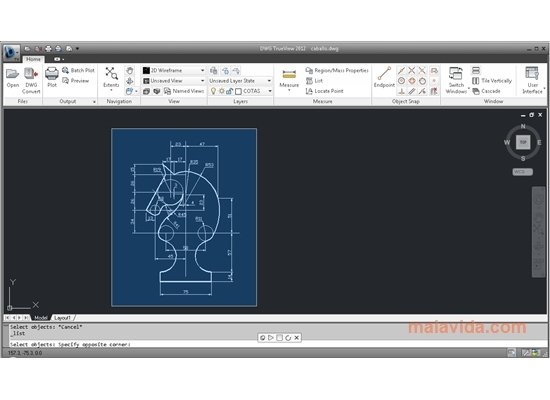
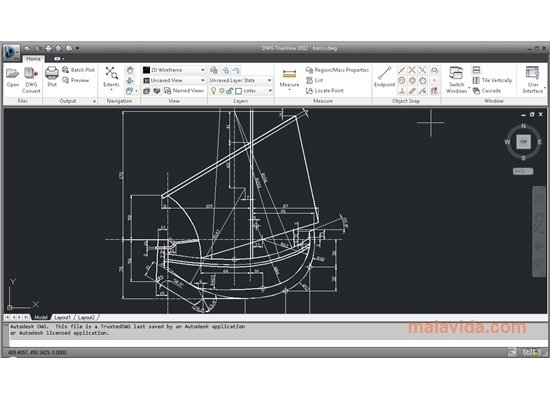
View and convert AutoCAD files
The native format chosen by AutoCAD to save and share the designs generated with that application has been the same since 1982, the so-called DWG. This kind of file has become so popular in the world of computer-aided design that many companies have adopted it, and they support it with their programs.
Convert AutoCAD files
Despite the latter, if due to compatibility reasons with other applications you want to convert the files generated with AutoCAD to other formats, you will need an application like DWG TrueView, that is offered free of charge by Autodesk.
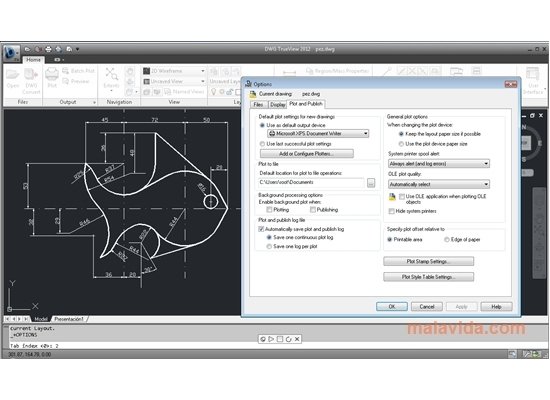
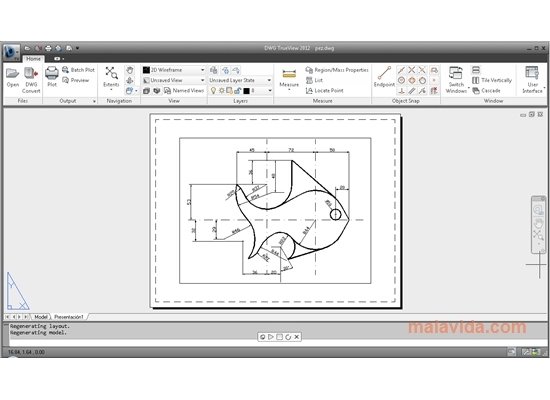
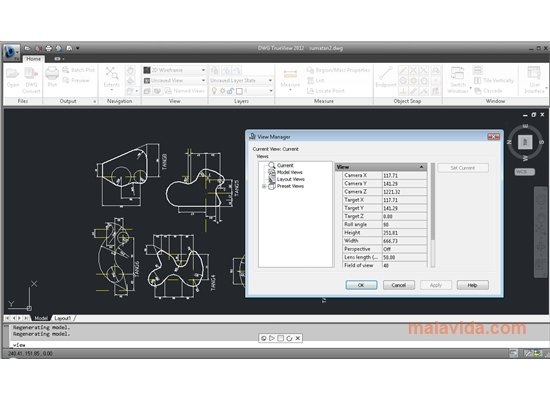
DWG TrueView is a simple way of viewing, converting and publishing the projects created in DWG format. Thus, it's easier for different professionals working on the same design to be able to carry out collaborative work. Furthermore, this application integrates perfectly with Autodesk Design Review, providing it with the capacity to manage DWG files. All in all, with DWG TrueView you can:
- View the files created with AutoCAD.
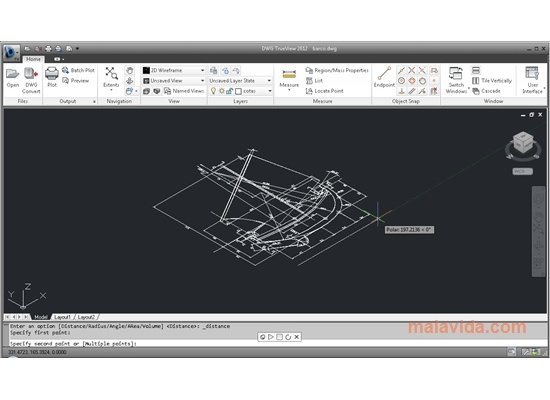
- Measure and carry out small modifications to your designs.
- Convert between the DWG, DXF and DWF formats.
If you work in the design field, you need to have DWG TrueView installed on your computer, one of the best CAD conversion tools available.
Requirements and additional information:
- Requires .NET Framework 4.0.
- During the installation, the application will add the necessary components.
 Vanessa Martín
¡Hi! I am Vanessa Martin, I like to travel, music, photography, and I am passionate about the Internet, as it is a great source of information where you can find everything you need. If it exists, it is on the Internet. Another of my great...

Antony Peel